













★★★★★✓ Verified review
Patient and extremely good players
“Absolutely amazing experience. Patient and extremely good players.”
DDonald Cook Jr.Trustpilot
Once your paid orders reach $3,000 in total, every next order is 7% cheaper — automatically, forever.
Sign in to see your progress
How it works WoW Midnight
267 services · WoW Retail
 TBC Anniversary
105 services · The Burning Crusade
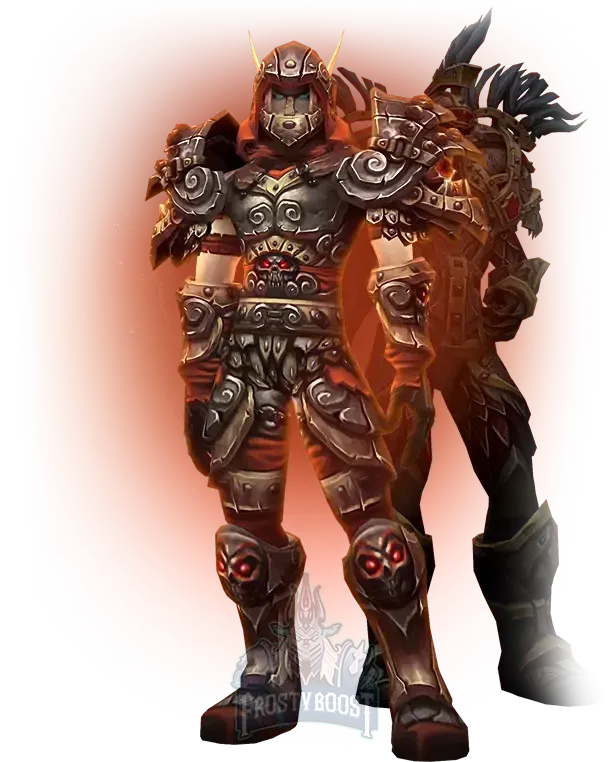
The two-player ladder with a bracket specialist — any target rating up to 2200, at your speed.
A MoP Classic 2v2 arena boost lifts your two-player arena rating to the target you choose, up to 2200. A booster who plays the Pandaria 2v2 bracket every day partners your character or plays it for you. You decide the speed, and the first games are scheduled in the order chat after payment.
Move the rating slider to your target, up to 2200. A higher target costs more, since each rating range brings stronger pairs and longer queues.
Pick the method, Piloted, Self Play or Remote Control (the last one costs a little extra), and the speed: Normal, Express or Super Express. The faster speeds cost more and add sessions each day.
2v2 is the two-player rated arena bracket of Mists of Pandaria Classic, with its own ladder, its own rating and its own weekly Conquest progress. It plays very differently from 3v3: there is no rotating pressure across three targets, just direct burst trades, tight cooldown windows and dampening that punishes long games. Every mistake shows, because there is only one partner to cover it.
Players climb 2v2 for a higher weekly Conquest cap, for rating achievements and as a step toward a title push. It is also the bracket where the right pairing matters most, and finding a steady partner who plays at your hours is what stops most climbs.
The booster brings a pairing that covers the matchups you will meet at each rating, and plays with a plan for each composition. With Piloted or Remote Control the booster plays your character; with Self Play you queue together and play every match yourself next to a stronger partner.
| Speed | What changes |
|---|---|
| Normal | Regular daily sessions |
| Express | More games per day |
| Super Express | The longest daily sessions, for the fastest finish |
Time depends on your starting rating, the target and the speed. The first ranges go quickly; the climb near 2200 takes the most games because opponents get stronger. Right after payment the highest-rated booster takes over the order, typically in under 15 minutes, and you agree on the first session together.
Rating is not the only thing that moves. Each win also feeds your weekly Conquest, and a higher 2v2 rating lifts the weekly cap, so the boost speeds up your gear at the same time as your standing on the ladder.
Piloted, Self Play and Remote Control are all available. Missing gear? Start with the MoP Classic PvP gear boost. For team play, the 3v3 arena boost takes the next bracket, and the Gladiator boost aims at the season title. Every 2v2, 3v3 and RBG option is compared on the MoP Classic PvP boost page.
At the time you agree with the booster in the order chat, shortly after payment.
It depends on your current rating, the target and the speed. The last steps toward 2200 take the longest.
Yes, with Self Play. You queue with the booster and play every match yourself.
A higher target, Express or Super Express, and Remote Control. Piloted and Self Play are included at the base price.

From a fresh character to the cap — any level range up to 90, by quests or dungeons.
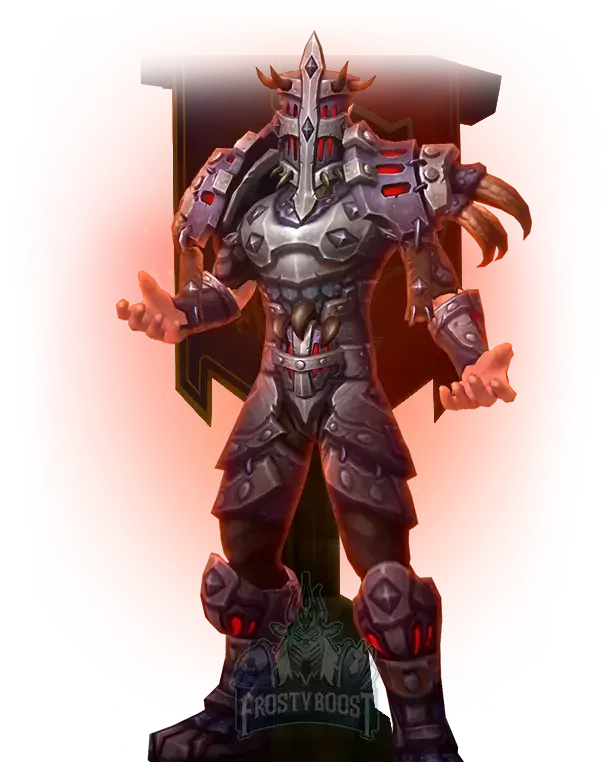
Ten-player rated battlegrounds with an organised team — any target rating up to 2400.
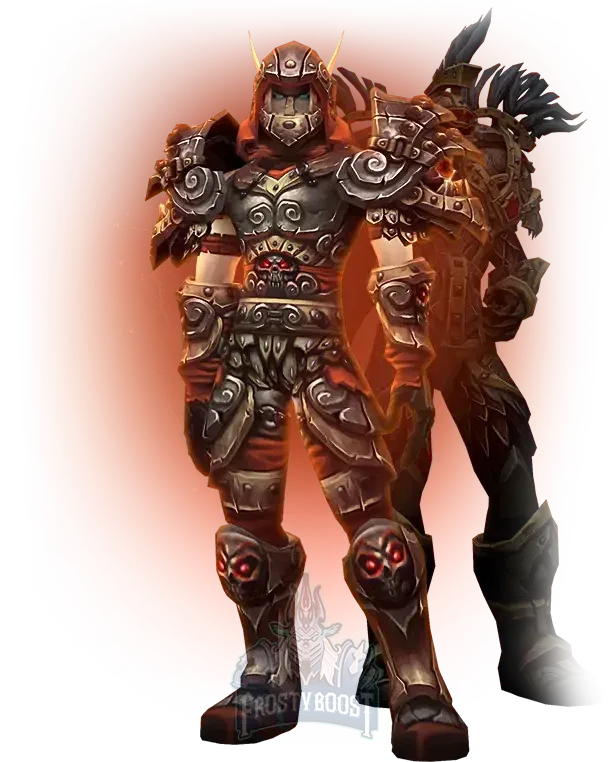
Learn the Pandaria arena from a ladder player — Multiglad or Rank 1 coach, booked by the hour.
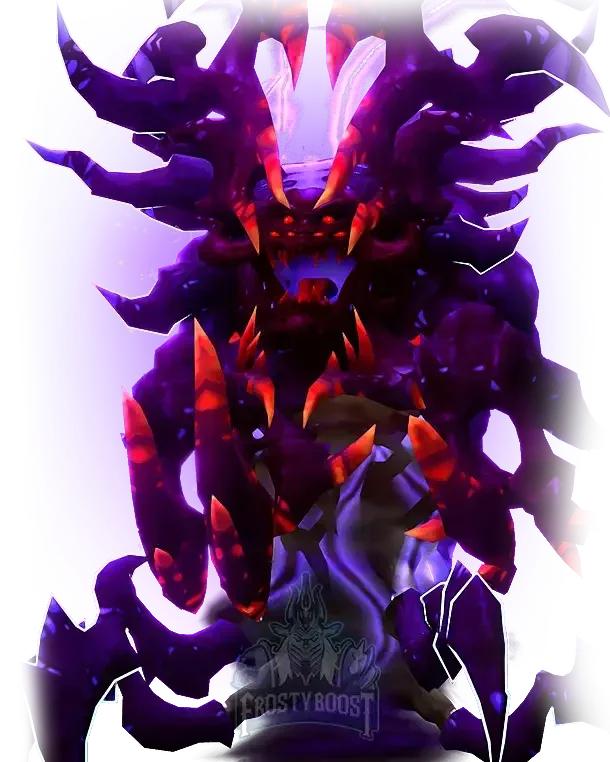
The Sha of Fear raid cleared on your character — 4 bosses, item level 496 or 509 loot.
“Absolutely amazing experience. Patient and extremely good players.”
“Communication was friendly and responsive from start to finish. I was especially impressed by their commitment to completing the order even when it became challenging.”
“Always fast and respectful in response, reasonable prices and fast, successful delivery. 3rd time purchasing from here now.”
“I always knew what was going on with my char and they fulfilled the order very quick and easy for me. Will recommend!”
“It was a crazy game, best rbg team I've ever seen. Thank you guys for making my night.”
“The order was started very quickly, excellent price for the service, polite manager who is a pleasure to deal with.”
“Very professional, you don't lose time — you always have someone who updates you about your order.”
“Great service for an inexpensive cost. Everything was done exactly as I wanted it done.”
“Amazing leveling speed on hardcore server, it's super impressive.”
 Raids BundleWoW Midnight · Raidsfrom $21.59
 Warglaives of AzzinothTBC Anniversary · Raidsfrom $1,533.40
 Starter PackWoW Forever · Levelingfrom $495
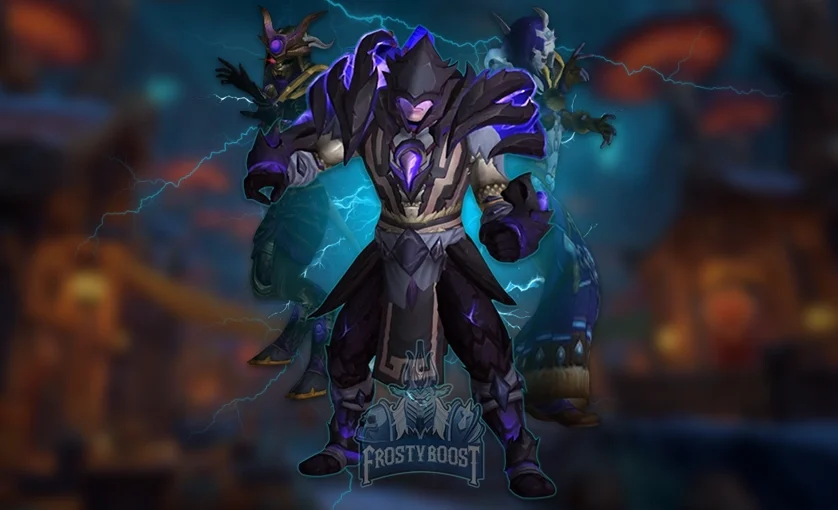 3v3 ArenaWoW Midnight · Arenafrom $27.71
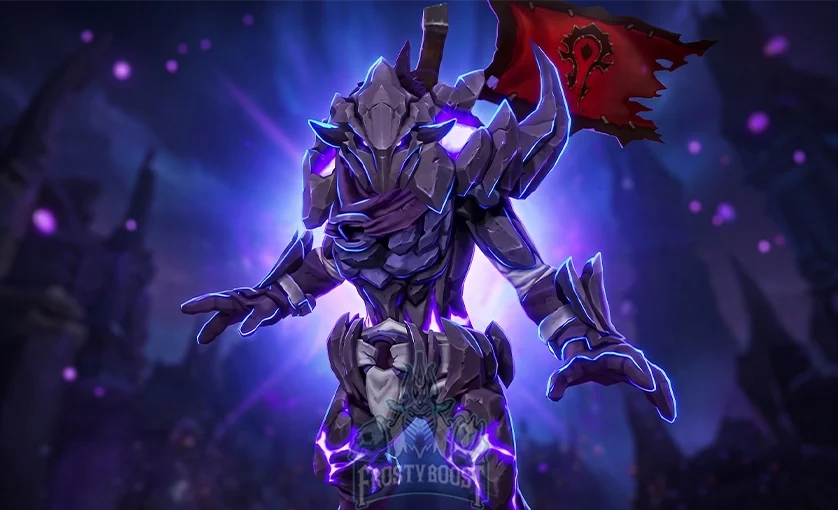 Solo ShuffleWoW Midnight · Arenafrom $23.75
 Battleground BlitzWoW Midnight · Battlegroundsfrom $37.61WoW MidnightTBC AnniversaryWoW Forever
 MoP Classic
 Season of Discovery
 Path of Exile 2
 Diablo IV
 ARC Raiders
 Roblox