

For more than twenty years World of Warcraft meant one thing: a huge download, a launcher and a desk to sit at. That rule now has an exception. Below is what changed, who is behind it, and what you need to try it today.
Short answer: yep, World of Warcraft now runs in a browser tab, and on a phone too. The thing that makes it work is Lasthavens, a free private server on Wrath of the Lich King (patch 3.3.5a) that loads in an ordinary tab. No launcher. No 17 GB client sitting on your drive. On your first visit roughly 50 MB comes down before you see the login screen, and the rest trickles in as you go. Windows, Mac, Linux, Chromebook, iPhone, iPad, Android — all fine.
So here's the plan for this page. First what Lasthavens is, then the devices and browsers, then the touch controls, and last the fixes for when the page just sits there and won't load.
What Is Lasthavens?
Lasthavens is a WotLK server run by its community, and you play it at lasthavens.com/play. Don't confuse it with cloud streaming, where you watch somebody else's PC. Here the client runs on your own hardware, right in the browser. Your keyboard and mouse, your macros, your keybinds: they act like they did back in 2010.
Everything sits on the last Wrath patch, 3.3.5a (client build 12340 if you care about that sort of thing). In practice it means Northrend is open end to end, Howling Fjord up to Icecrown. Every raid made it in too. Naxxramas, Ulduar, Trial of the Crusader, Icecrown Citadel, the Ruby Sanctum. It's a PvP server, and XP from kills, quests and exploring is doubled. Drops? Normal. Same goes for gold, rep and professions.
Blizzard doesn't run it. So make it a separate account, with a fresh name and a password you've never typed into Battle.net (or anywhere else, honestly).
What You Need to Play WoW in a Browser
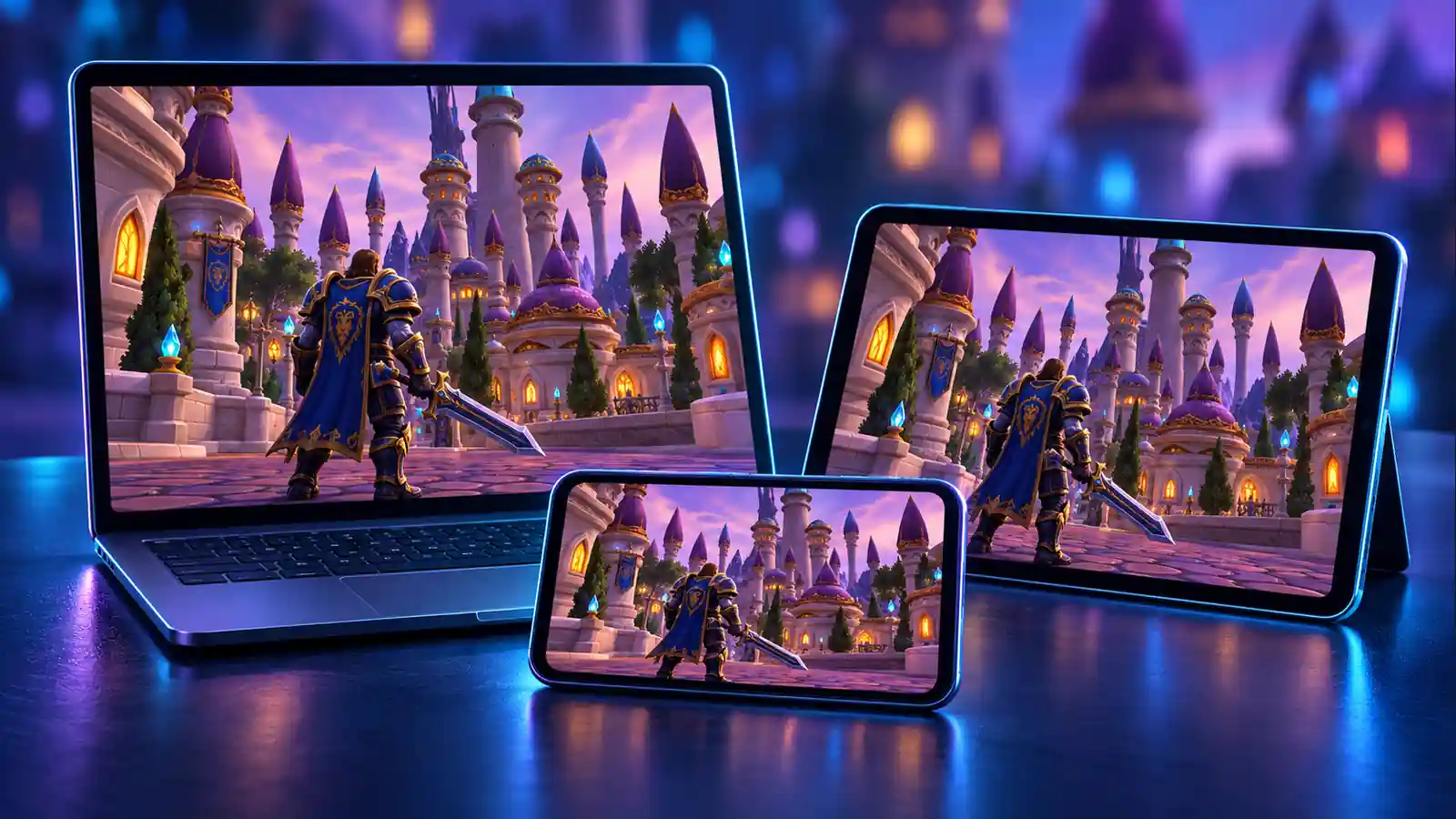
Not much, really. A browser that isn't ancient, graphics acceleration switched on, and a connection that holds up for the first load. Device by device, it looks like this.
| Device | Browser | How you play |
|---|---|---|
| Windows PC or laptop | Chrome, Edge or Firefox | Mouse and keyboard, same as the old client |
| Mac (Intel or Apple silicon) | Chrome, Edge or Firefox | Mouse and keyboard, no Boot Camp, no Wine |
| Linux | Chrome, Edge or Firefox | Mouse and keyboard, zero Proton fiddling |
| Chromebook | Chrome | Just another tab |
| iPhone and iPad | Safari, iOS 17 or newer | Touch controls, phone turned sideways |
| Android phone or tablet | Chrome, or the Lasthavens app | Touch controls, phone turned sideways |
| Any of the above | Whatever's listed for it | Xbox, PlayStation or Bluetooth controller |
Characters are kept on the server. That's the nice bit: run a dungeon on the laptop at home, then turn in the quests from your phone on the bus. One catch. Settings, keybinds and addons get saved per browser, so you'll be dragging your bars around once on every device.
How to Start Playing in Your Browser
- Go to lasthavens.com/play in Chrome, Edge or Firefox (on iPhone and iPad, that's Safari).
- Sit through the first download. On home Wi-Fi that's roughly one coffee refill, so a minute or two.
- Login screen up? Click Create Account. It wants a name and a password and that's kind of it (email is up to you).
- Log in, roll yourself a character, and you're standing in Azeroth.
- Want full screen on a computer? Alt+Enter does it, or click the Fullscreen button.
There's an AddOn Library right on the character screen. Popular 3.3.5a addons, one click each, no digging through old forum posts for zip files. And next time you come back, the game pulls from the browser cache and boots up way quicker.
How to Play WoW on iPhone and Android
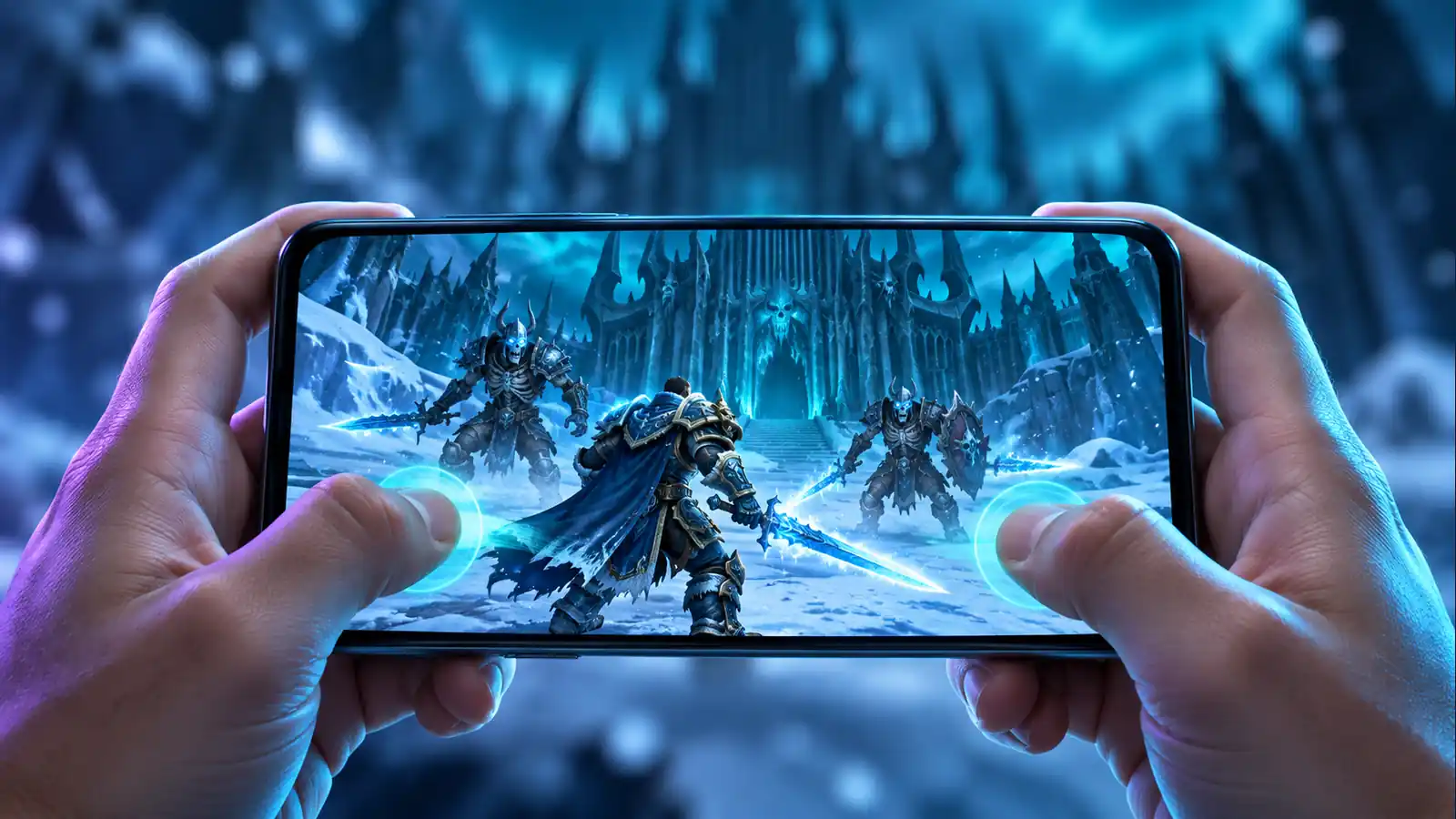
People tend to do a double take here. On the phone you get the very same game, plus a touch layer made out of WoW's own buttons. Turn the phone sideways (if you forget, the game nags you about it).
Getting it full screen
- iPhone and iPad: the trick is Safari. Open the page there, hit Share and choose Add to Home Screen, then launch from that new icon and, poof, no address bar.
- Android: in Chrome, hold it landscape and tap the screen once. Full screen. There's also Install app in Chrome's menu, or the Lasthavens app, which is honestly the same site in its own window.
One trap. Tapping the link inside Discord, Instagram or TikTok won't work, because those apps open it in a cut-down browser that can't handle the game. Copy it over to Safari or Chrome.
Touch controls in a nutshell
| Action | On a touch screen |
|---|---|
| Move | Stick at bottom left, it centres wherever your thumb lands |
| Cast and attack | An arc of real action-bar buttons at bottom right, cooldowns included |
| Target or click | Tap |
| Right click (loot, sell, use bag items) | Press and hold, about half a second |
| Camera | Drag across the world, pinch to zoom |
| Close a window (Escape) | Tap with two fingers, or Back on Android |
| Extra spells on screen | Pull them out of the spellbook to any free spot |
On mobile the UI is DragonUI-style. Your character sheet, talents, the quest log, vendors, mail, the flight map, the Dungeon Finder — they all open big enough to hit with a thumb. Don't like where the stick sits? Edit Mode lets you shove it around, along with the buttons, minimap and chat. Battery draining fast? Go to Interface Options › Touch and drop the frame rate and render scale.
Oh, and if you hop out to answer a message, the game puts you back on the same character when you return. No login screen.
Playing With a Controller
Connect an Xbox, PlayStation or Bluetooth pad and the layout flips to controller mode by itself, button icons and all. In any window the D-pad walks a gold frame from button to button. A to confirm, B to back out. The right trigger is the do-everything button: depending on what's in front of you it'll target, attack, loot, talk to an NPC or open the mailbox. Every so often you need a real pointer, and for that you click the right stick and it becomes a mouse.
What's Inside: WotLK 3.3.5a on Lasthavens
Played Wrath when it was new, or on Classic? Then you know the drill. Cap is 80. Death Knights start at 55. You get dual spec, the Dungeon Finder, emblems out of heroics, and the whole raid ladder, Naxxramas at the bottom and the Lich King at the top. Stuck on what to roll? Our WotLK class guide can help with that.
- Leveling: with XP doubled, 1 to 80 goes by a fair bit faster than on a regular WotLK server. The WotLK leveling guide still works. You'll just leave each zone earlier.
- Gold: rates are normal, so your old routines still pay. Have a look at farming gold in WotLK.
- Professions: regular speed up to 450. We've got step-by-step guides for Enchanting and Engineering.
- Endgame: heroics for emblems first, raids after. The last raid of the expansion gets its own write-up in the Ruby Sanctum guide.
- World PvP: PvP server, so yes, contested zones really are contested.
The Game Won't Load: Quick Fixes
- "Your browser can't run the game": no graphics acceleration in that browser. Move to a current Chrome, Edge or Firefox (Safari on iOS) and flip hardware acceleration on in the settings.
- Download stops halfway: reload, that's it. Whatever already downloaded is still in the cache.
- Loads, then goes blank or reloads: out of memory. Shut other tabs and apps. On older phones it's usually a crowded city like Dalaran that tips it over.
- Link opened from Discord or Instagram: open it straight in Safari or Chrome.
Still stuck? Head to the Lasthavens Discord, the team answers loading issues there. Mention your device and browser.
Want a Boost on Lasthavens or Another Private Server?
Questing on a phone is fun on the go. A 25-man ICC night, or weeks of grinding rep with your thumbs, a lot less so. If you'd rather skip that part, FrostyBoost will do it for you. Our boosters play Wrath for a living and take private-server orders piloted, on your own account. Leveling to 80, gold, heroic and emblem gear, raid clears, reputations, professions, arena rating.
No two servers share the same rates and rules, so each of these orders gets built by hand. Open the chat on our site and tell us the server name, your faction and class, plus what you want done. You'll get back a plan, a time estimate and a price, all for your exact request.
FAQ
Can you play World of Warcraft in a browser?
You can. Lasthavens puts Wrath of the Lich King 3.3.5a in a browser tab, and it's the real client on your own device rather than a video feed. Input feels just like the desktop game.
Can I play WoW on my phone?
Sure can. On an iPhone or iPad you want Safari, with iOS 17 or later. On Android, use Chrome or the Lasthavens app. Turn the phone sideways and the touch controls are already there.
Is Lasthavens free?
It is. Your account gets made right on the login screen, name plus password. Email if you feel like it.
Do I need to download anything?
Nope, there's nothing to install and no launcher either. About 50 MB loads on the first visit. Everything else arrives while you play, then sits in the browser cache.
Which version of WoW is it?
Patch 3.3.5a of Wrath of the Lich King. All the raids are there, Icecrown Citadel and the Ruby Sanctum included. Double XP, and that's about the only thing sped up.
Does it work on Mac and Chromebook?
Yep. Any Mac with a recent Chrome, Edge or Firefox, or Chrome on a Chromebook. You won't need Windows, Wine or Linux mode.
Will my character be on both my PC and my phone?
Yes, because characters live on the server. Keybinds, settings and addons stay with each browser though, so set them up once on every device.







 MoP Classic
 Season of Discovery
 Path of Exile 2
 Diablo IV
 AION 2
 Final Fantasy XIV
 ARC Raiders
 Roblox