

Best Addons for The Burning Crusade Anniversary (TBC) — 2026 Guide
The Burning Crusade Anniversary servers (or any “fresh TBC-style” realm) feel a lot better with the right addons: cleaner UI, faster decisions in raids, easier arena tracking, and less time spent fighting your bags instead of Illidan’s trash packs. The trick is not installing everything, but building a small “addon stack” that covers your real pain points: combat awareness, team coordination, inventory, quests, and quality-of-life.
Below is a curated list of the best-performing, most useful addon types for TBC, with recommendations, setup tips, and “pick one” choices so you don’t end up with a laggy mess.
1) Core Combat Awareness (Must-Have)
WeakAuras
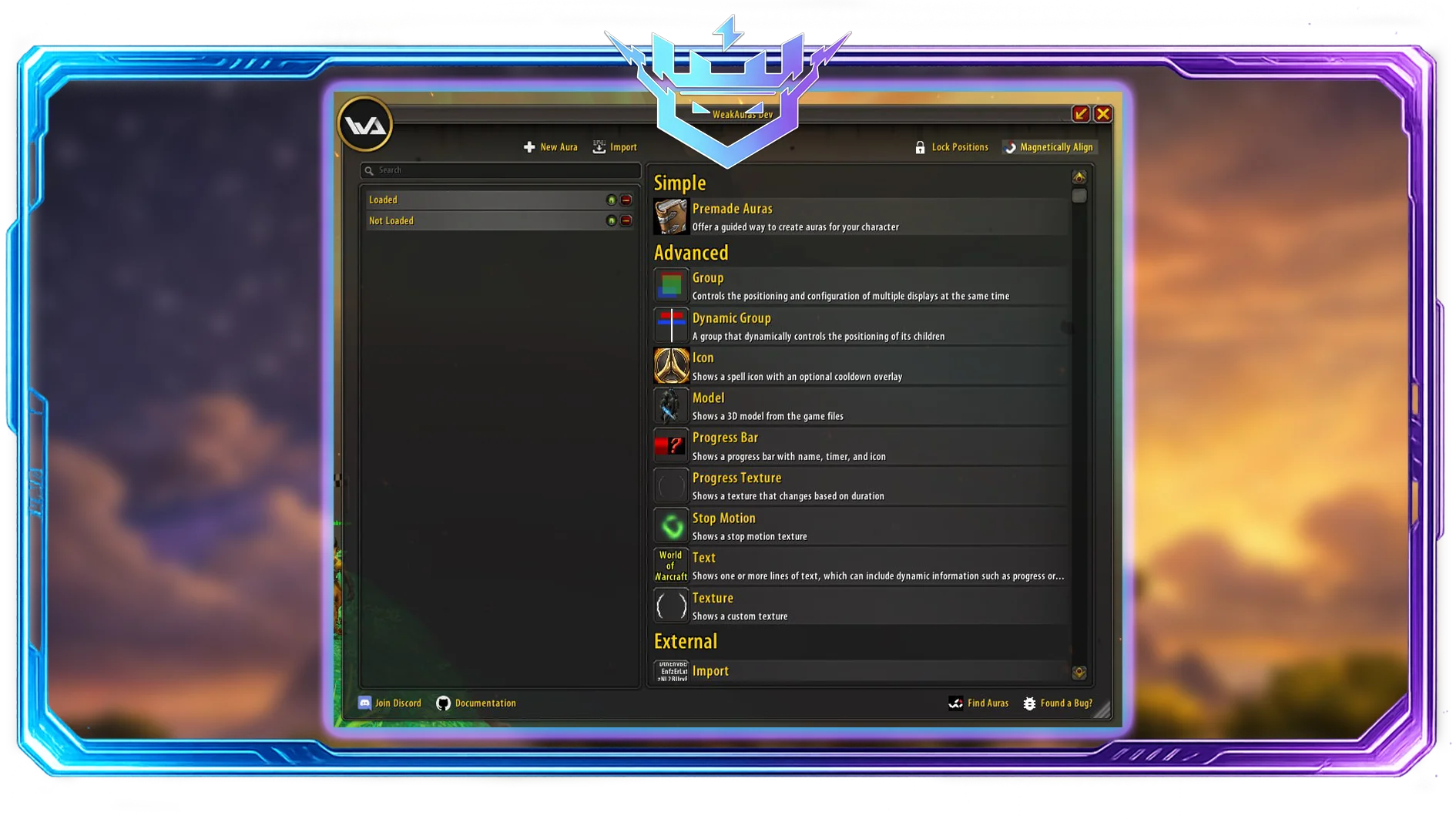
If you only install one addon, make it WeakAuras. It lets you create custom alerts for procs, cooldowns, debuffs, boss mechanics, consumables, weapon swings—anything.
Use it for:
- Tracking important buffs/debuffs (Slice and Dice, Lifebloom stacks, Shadow Word: Pain duration)
- Cooldown reminders (Bloodlust timing, trinkets, interrupts)
- Raid mechanic warnings (spreads, “move out”, dispel priorities)
Quick setup tip: Don’t build from scratch. Import a class pack (rotation + cooldown tracking) and then delete what you don’t need.
OmniCC
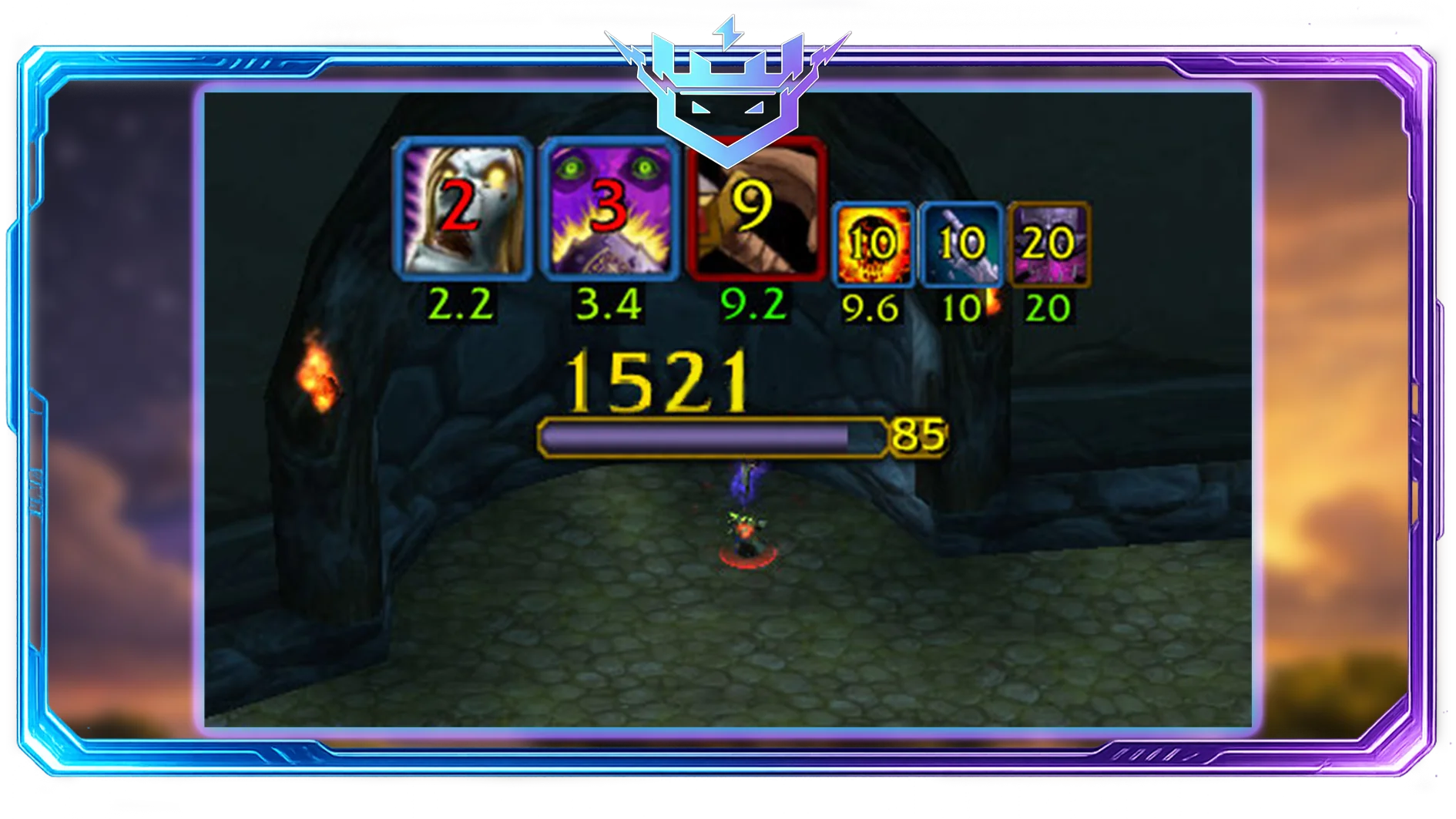
Adds cooldown numbers on top of your action bar icons. Small addon, huge value.
Why it’s good: You stop guessing and start planning.
Quartz (Cast Bar)
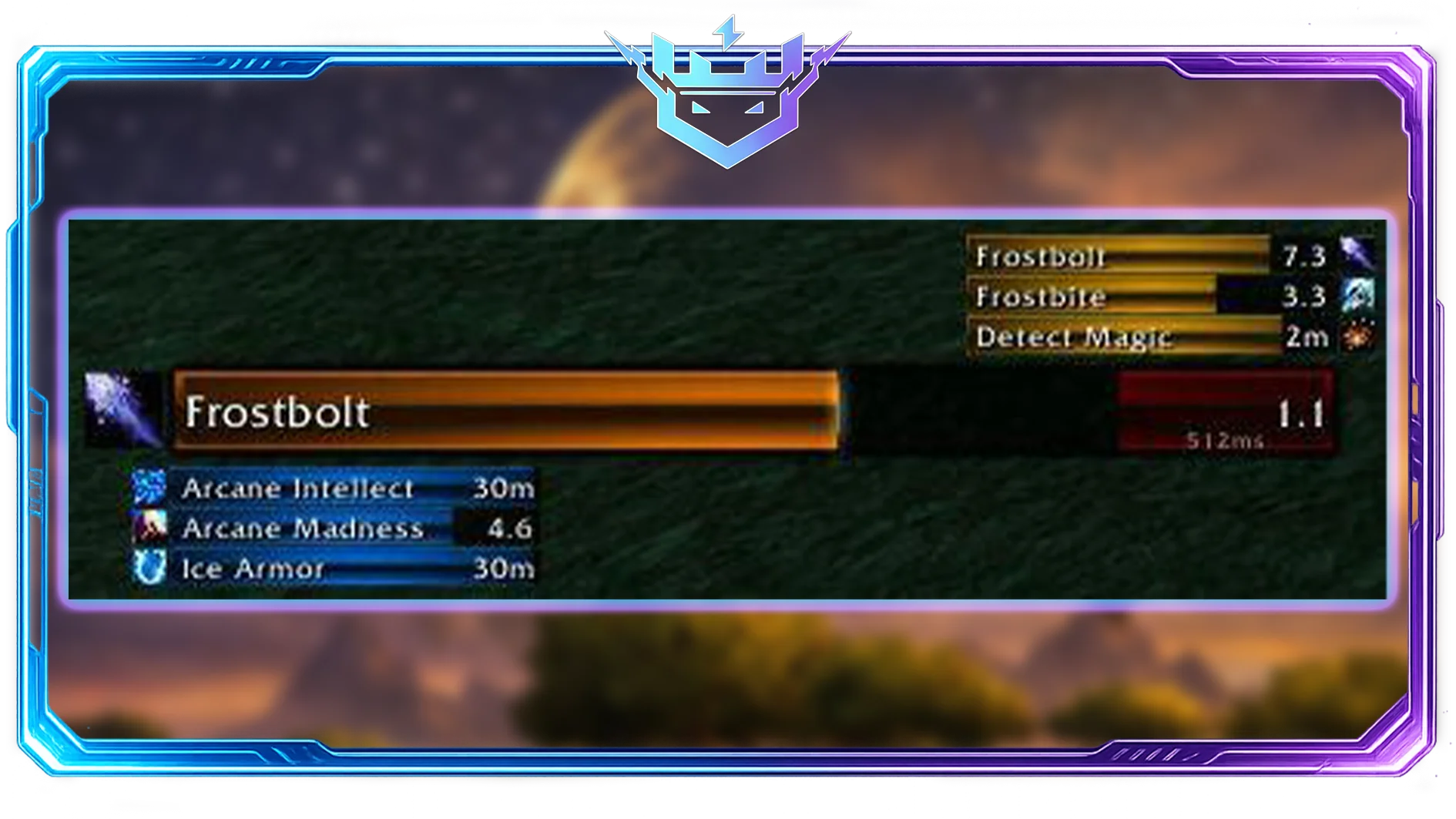
A better cast bar for you and your target, often with latency display.
Use it for:
- Kicking interrupts reliably
- Timing fake-casts in PvP
- Seeing exactly when your spell lands (and how much delay you have)
2) Raid & Dungeon Essentials
Deadly Boss Mods (DBM)

Classic raid staple. It provides timers, alerts, and mechanic warnings for TBC raids/dungeons.
Recommended tuning: Turn down sound spam and keep only the alerts you actually react to.
BigWigs
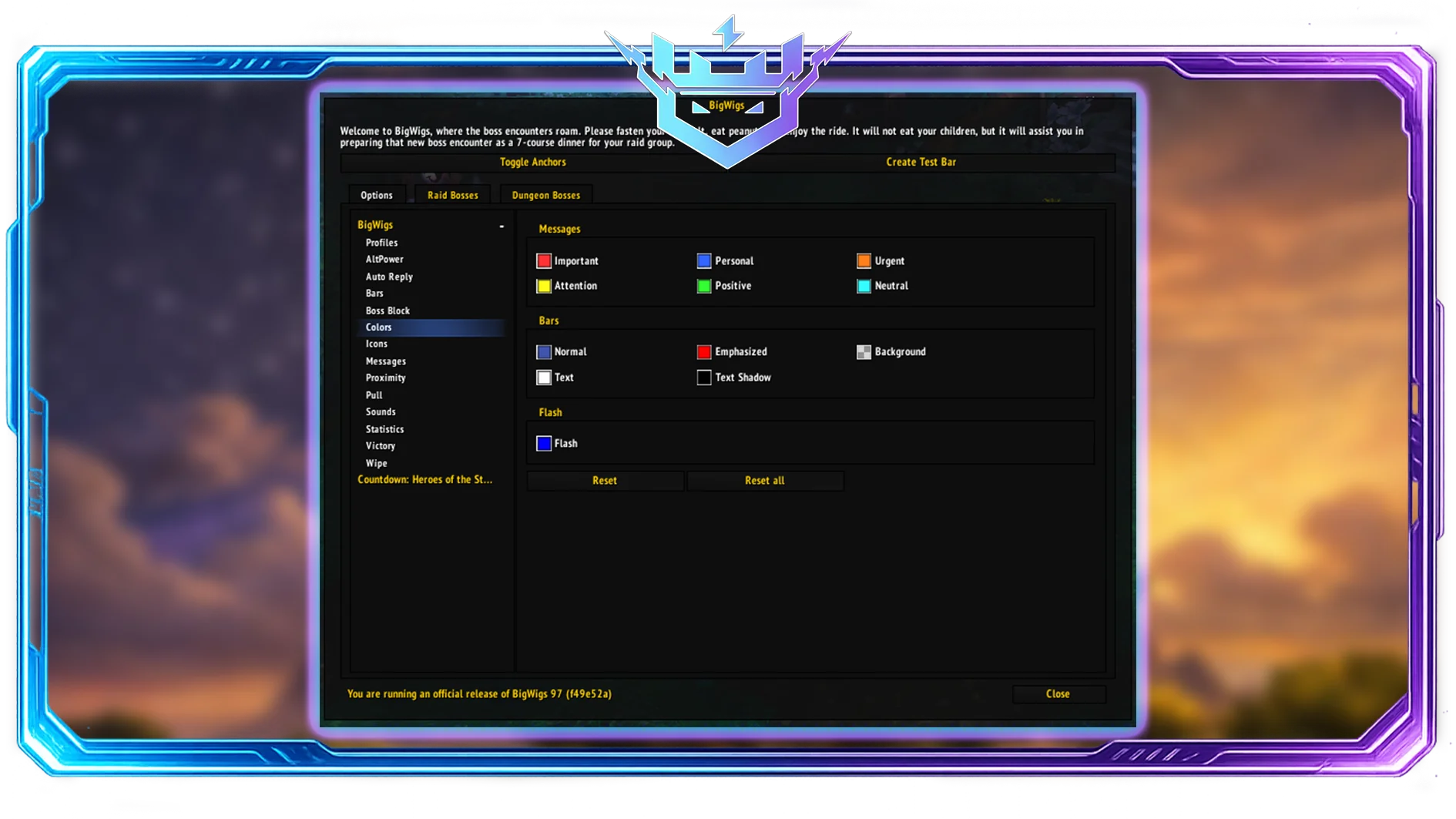
DBM’s “lighter, cleaner” alternative. Many players prefer it for less noise and more control.
Pick one: DBM or BigWigs — don’t run both.
Details! Damage Meter

Best modern combat log UI for damage/healing, dispels, interrupts, and deaths.
Why it matters in TBC: It’s not only about DPS flexing. You can identify:
- Who missed interrupts
- Who didn’t use cooldowns
- Why a tank got deleted (damage breakdown)
Method Raid Tools / RaidAssist-style tools

Depending on what’s supported on your realm/version, raid tools addons help with:
- Ready checks
- Cooldown tracking
- Assignments and notes
Addons improve awareness and coordination, but they don’t replace experience. Players who want faster access to gear, attunements, or specific raid drops often combine a clean addon setup with TBC Raid Boost services to skip repetitive progression and focus on the content they enjoy most.
3) Unit Frames & Healing Frames
Shadowed Unit Frames (SUF)
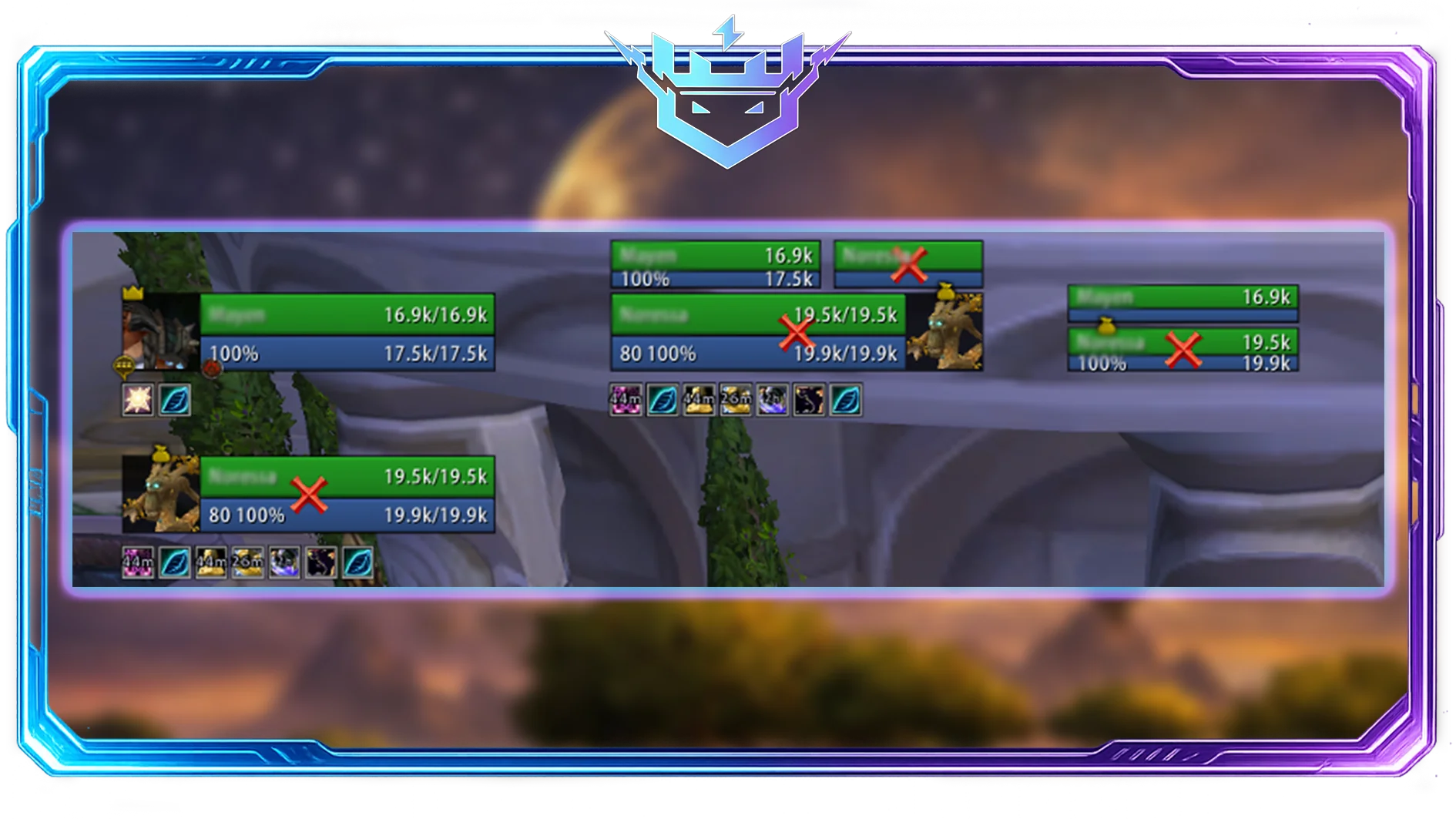
Customizable unit frames that are more readable than default.
Great for:
- Cleaner target frame debuffs
- Better party frames for dungeons
- More obvious threat/aggro indicators
PitBull Unit Frames
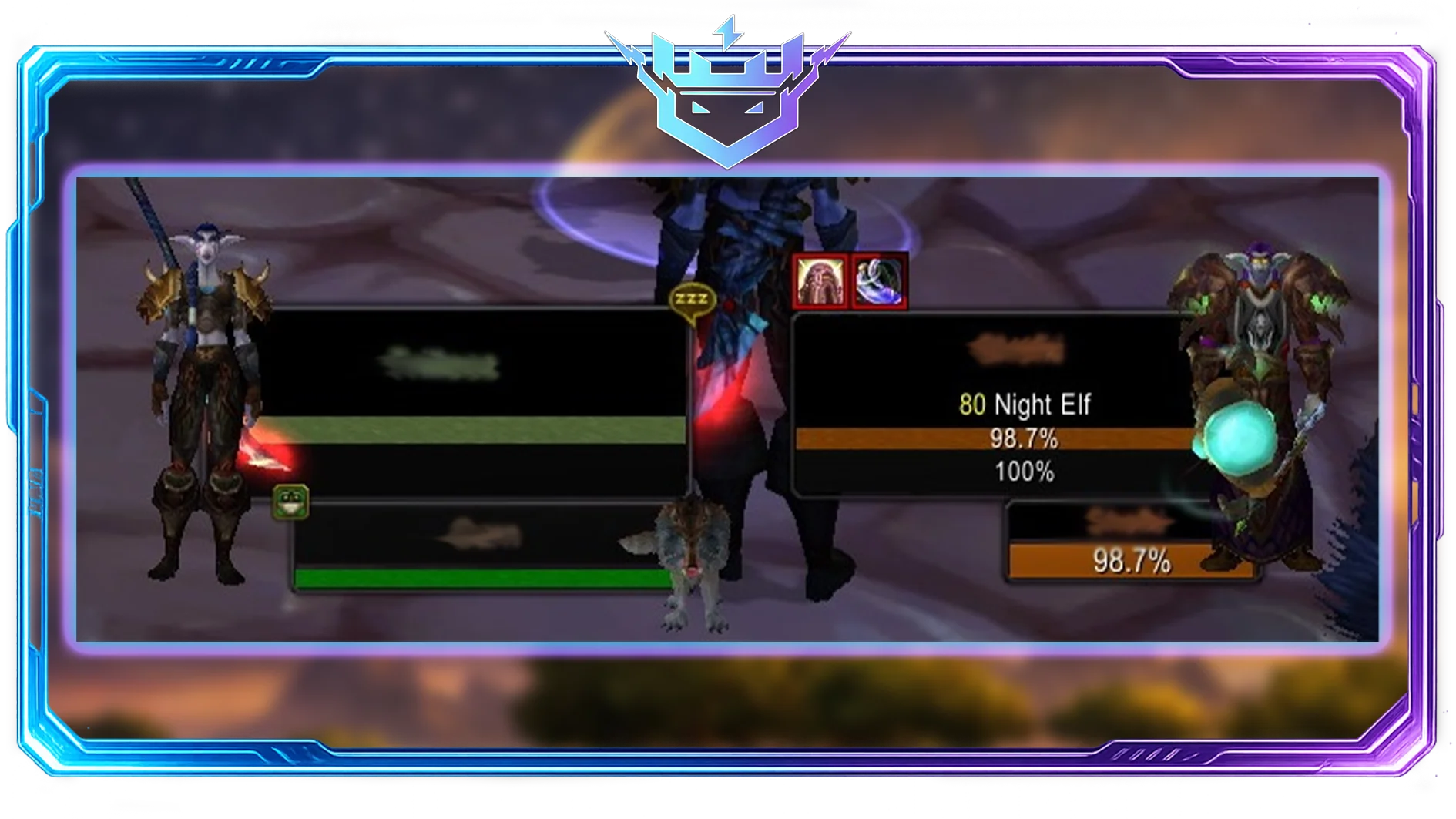
More complex than SUF, extremely customizable.
Pick one: SUF or PitBull.
Grid2 (Healers)

If you heal in TBC, Grid2 is a powerhouse for raid frames.
Use it for:
- Showing dispellable debuffs
- Highlighting raid roles
- Tracking HoTs and shields cleanly
Healer combo idea: Grid2 + Clique (or built-in click casting if your client supports it).
4) Threat, Aggro & Tanking Tools (TBC-Specific Painkiller)
ThreatClassic2 / Omen Threat Meter
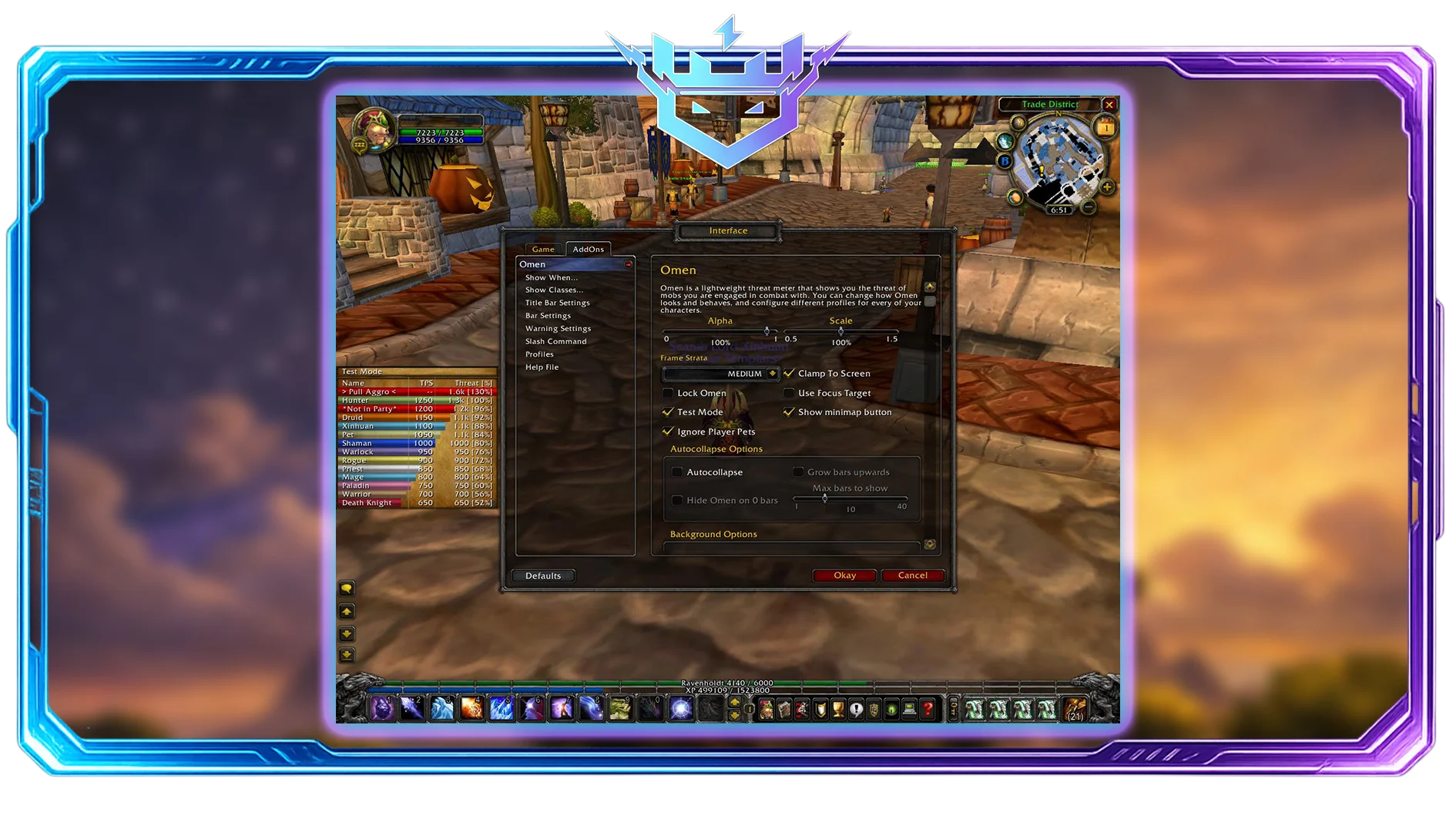
TBC is threat-sensitive. DPS pulling off tanks is a classic wipe reason.
If your realm supports it, a threat meter is extremely valuable for:
- Tanks: seeing who’s climbing too fast
- DPS: knowing when to stop being the main character
Note: Threat APIs differ depending on server/client implementation. If one doesn’t work, try another threat addon known to support your specific version.
5) PvP Addons (Arena & Battlegrounds)
Gladius (Arena Frames)
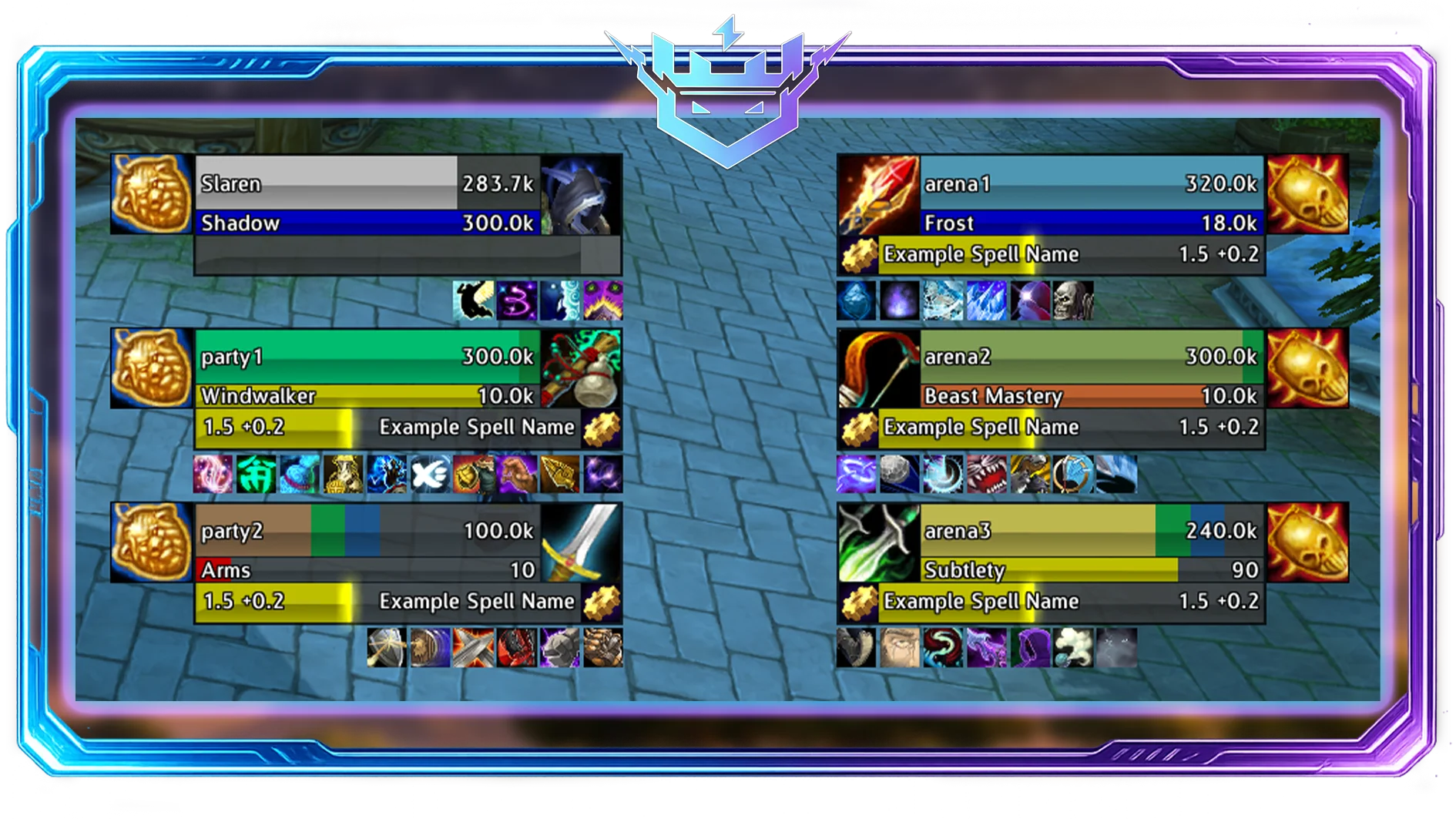
Arena-focused frames: trinket tracking, DR (diminishing returns), target-of-target, and enemy cooldown visibility (depending on version).
Why it’s huge: In TBC arenas, information wins games. To master these mechanics faster, many players combine these tools with TBC Arena Coaching.
sArena
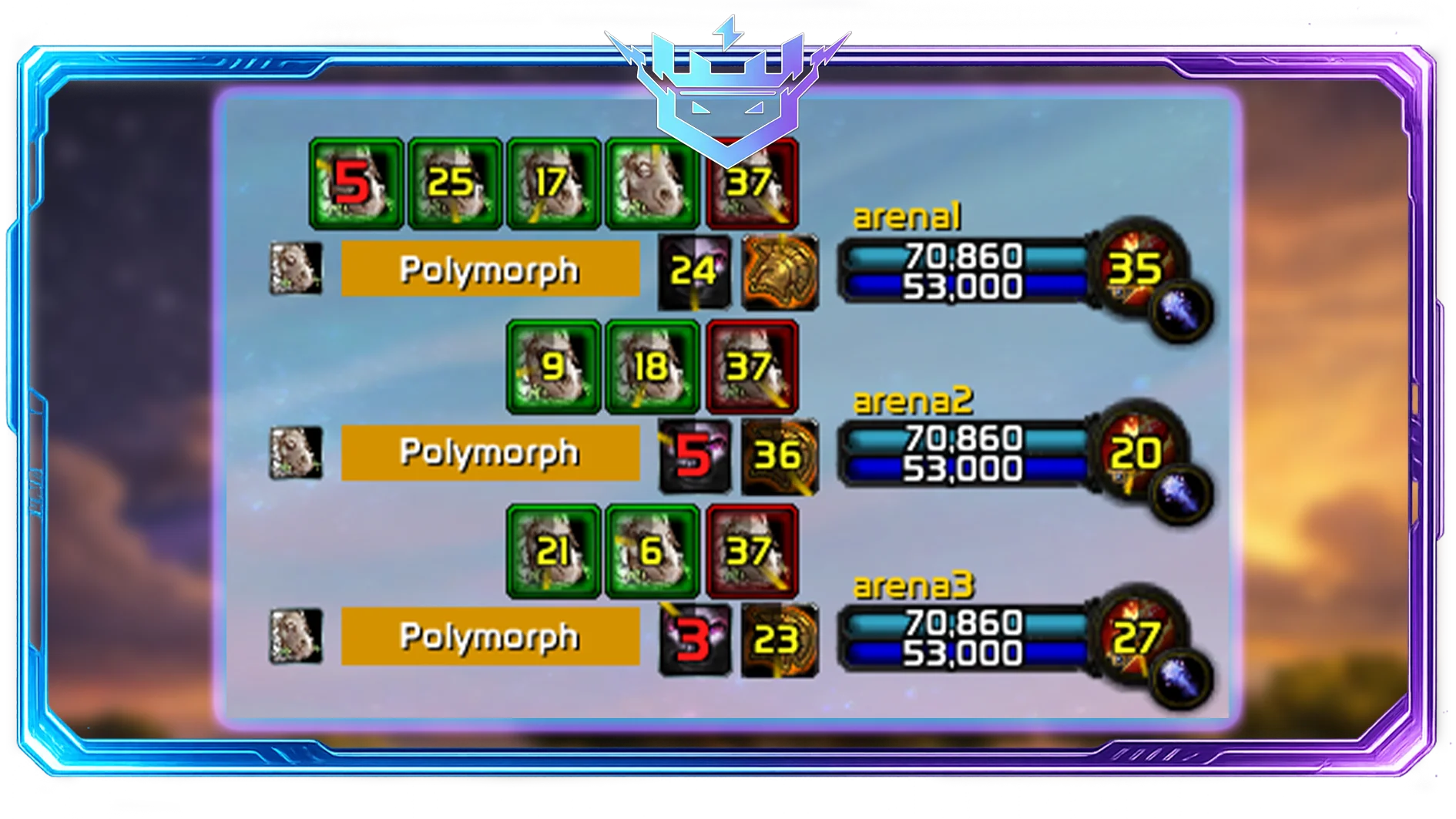
A simpler arena frame alternative. Often lighter than Gladius.
Pick one: Gladius or sArena.
OmniBar
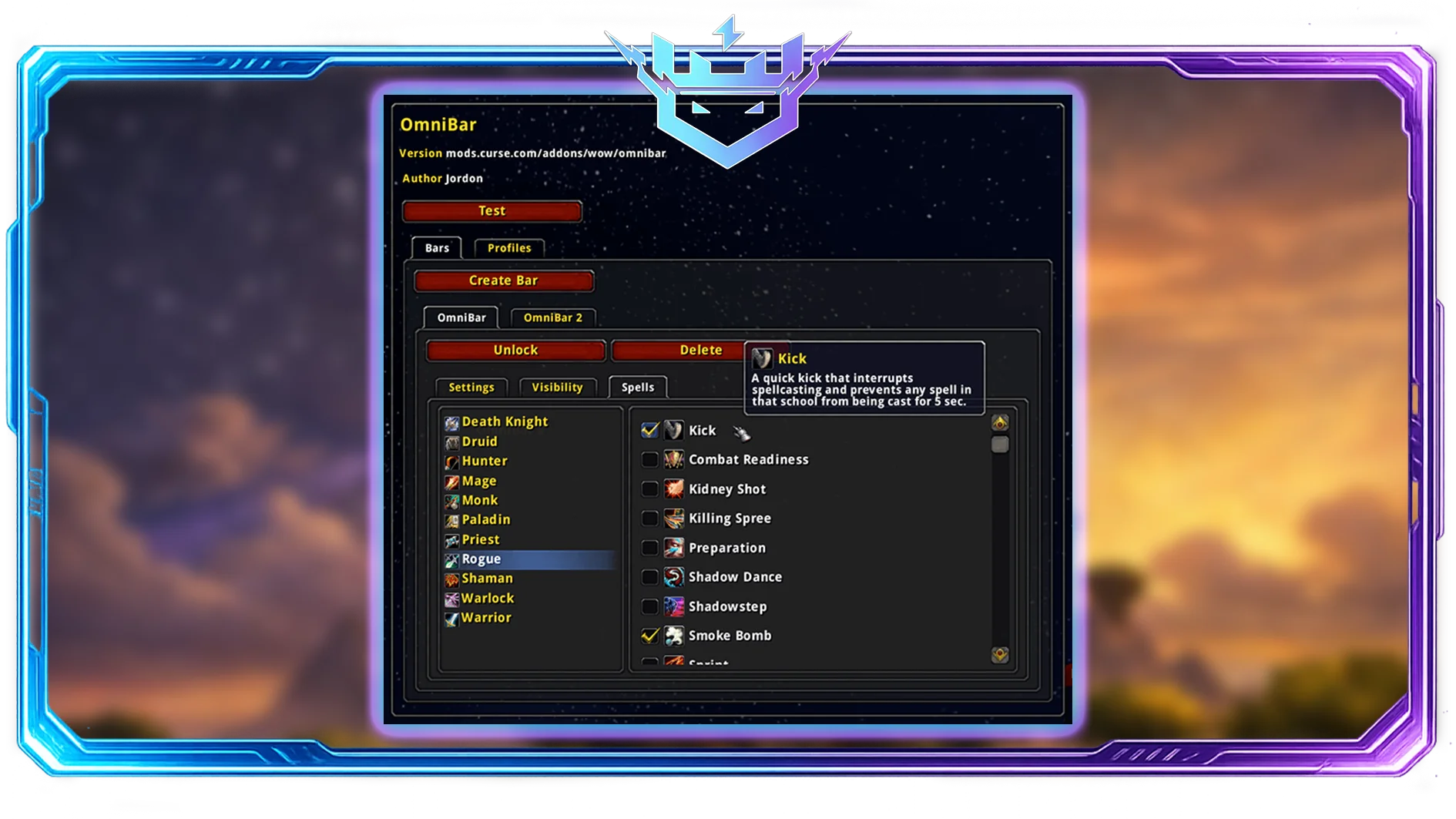
Tracks enemy cooldowns (interrupts, defensives, etc.) in a clean bar.
Use it for:
- Knowing when the enemy has Kick/Pummel/Counterspell again
- Tracking major defensives and CC tools
LoseControl

Displays CC effects clearly on your unit frame (stun, fear, silence).
Good for: reacting instantly instead of “why can’t I cast?”
Even with perfect arena addons, decision-making and positioning still matter more than UI. Many players use arena tools like Gladius and OmniBar as a foundation, then improve much faster with TBC Arena Coaching, where experienced players break down positioning, cooldown trading, and win conditions specific to The Burning Crusade meta.
6) Bags, Loot, and Inventory (Quality-of-Life)
Bagnon

Turns all your bags into one big bag window.
Why it matters: Less time dragging bags around, more time playing.
AdiBags

Auto-sorts items into categories (consumables, trade goods, gear).
Pick one: Bagnon or AdiBags.
Leatrix Plus (or similar QoL suite)

A “small improvements” addon that can:
- Auto-sell junk
- Auto-repair
- Improve UI behavior
It’s not flashy, but it makes the game feel modern.
7) Questing & Leveling
Questie
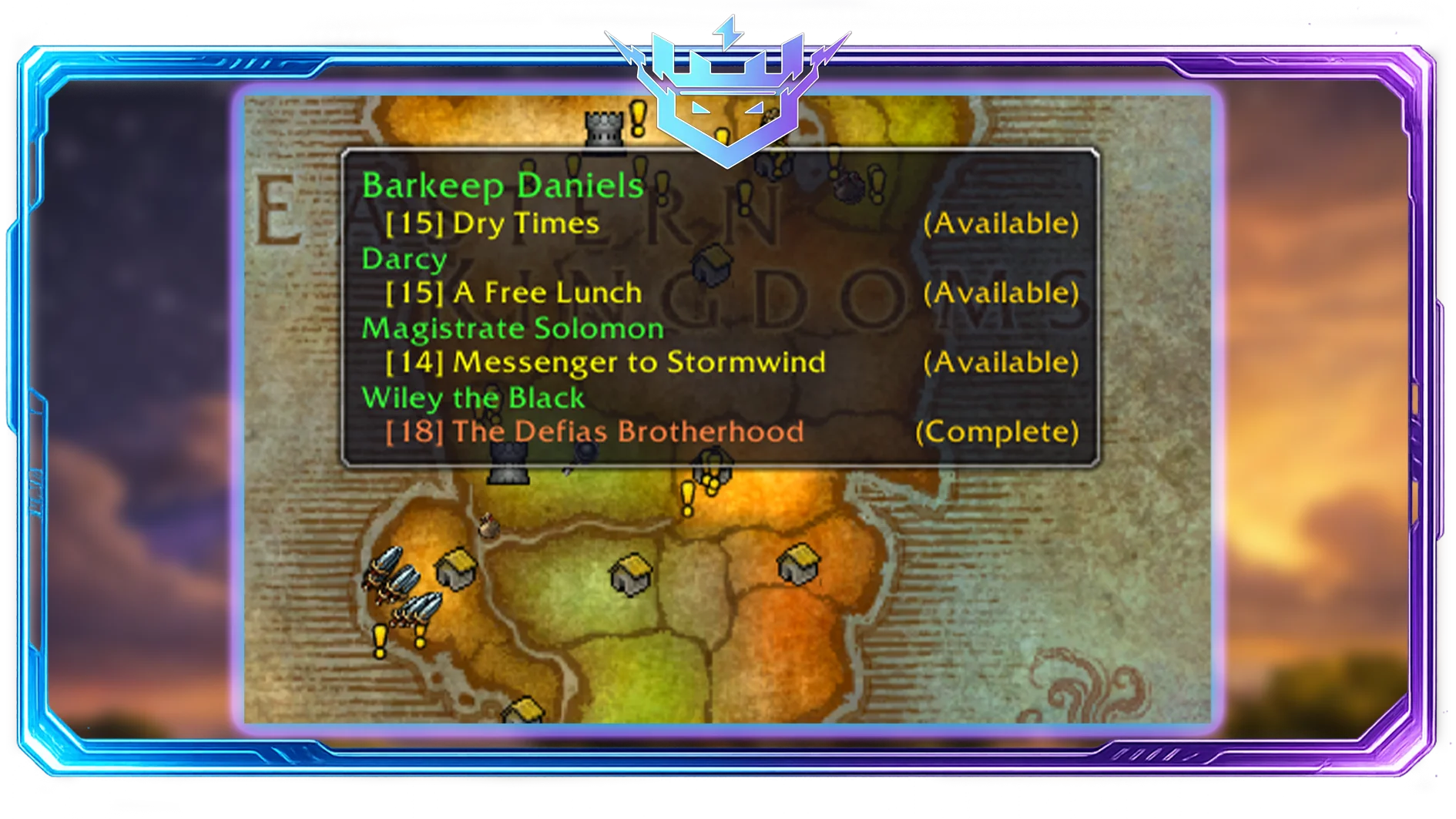
The go-to leveling addon for Classic-style quest tracking.
Perfect for:
alt leveling, fast routes, and not alt-tabbing every 3 minutes. If you want to skip the grind entirely, you can always opt for a TBC Leveling Boost.
Leatrix Maps

Improves map usability (zoom, coordinates, cleaner UI).
Nice combo: Leatrix Maps + Questie.
8) Professions, Economy & Auction House
Auctionator

Simple, fast Auction House scanning and posting. Much easier than default UI.
TradeSkillMaster (TSM)

The “advanced mode” economy addon. It can be incredible, but also overkill.
Pick based on your goal:
- Casual gold-making → Auctionator
- Serious flipping/crafting empire → TSM
9) UI Polish & Speed
Bartender4
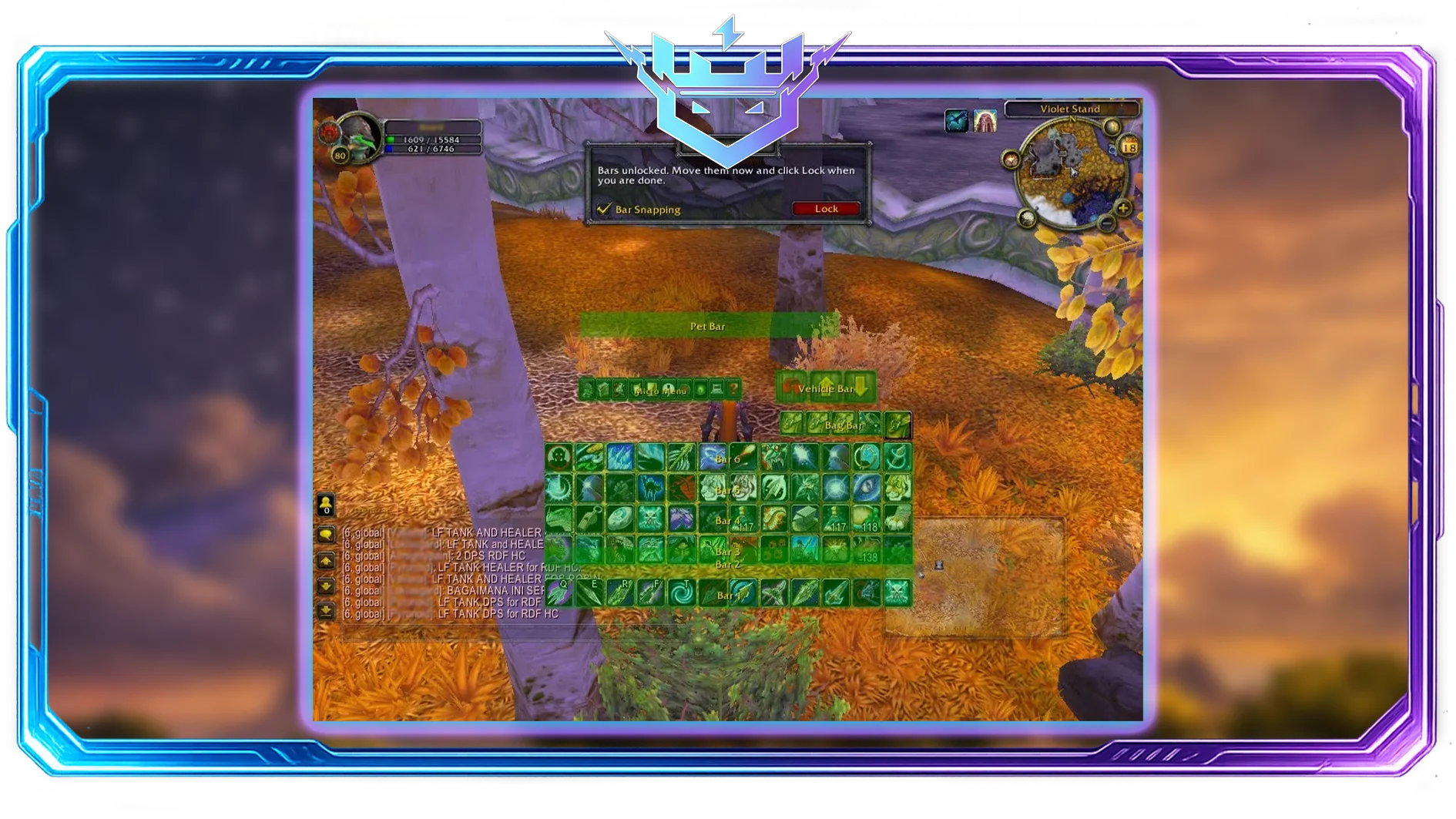
Fully customizable action bars. If you want your UI clean and compact, this is the classic answer.
Masque

Skins your action bar buttons (purely visual), but makes the UI feel cohesive.
MoveAnything

Lets you reposition UI elements without building a full custom UI.
10) Recommended “Addon Stacks” (So You Don’t Overinstall)
Minimal (Smooth performance)
- WeakAuras
- DBM or BigWigs
- Details!
- Bagnon
- Questie
- OmniCC
Raider (TBC endgame focused)
- WeakAuras
- BigWigs (or DBM)
- Details!
- ThreatClassic2/Omen (if supported)
- SUF or PitBull
- Bartender4
Arena (competitive PvP)
- Gladius or sArena
- OmniBar
- LoseControl
- WeakAuras (for your own CDs/procs/DR reminders)
- Quartz
Installation & Maintenance Tips (Avoid Bugs and Lag)
- Use the correct addon version for your client (TBC Anniversary can differ from regular Classic versions).
- Don’t stack duplicates (e.g., two boss mods, two bag mods, two unit frame suites).
- Keep WeakAuras clean: importing huge packs you don’t need can impact performance. Delete unused auras.
- Profile your UI: if FPS drops in raids, disable cosmetic addons first (skins, heavy UI replacements).
Backup your WTF/Interface folders before major changes. One bad update can wreck your layout.